Learn About Built-In Features
Features
Chat templates:
Start every chat with a head start: With chat templates, you can access frequently used prompts and entire conversation flows with just one click. Whether it’s standard responses for support, briefings for new projects, or recurring analyses—you define the template once, and your team benefits every time. This way, everyone works efficiently, consistently, and with professional quality—without having to cobble together prompts.

AI Agents with their own e-mail address:
Your AI employees with their own email inboxes: AI agents can now be reached via their own email addresses. Customers and colleagues simply send an email—the agent processes the request, responds automatically, and handles tasks in the background. This allows you to seamlessly integrate AI into existing workflows without anyone having to learn a new platform.

Automations in steps:
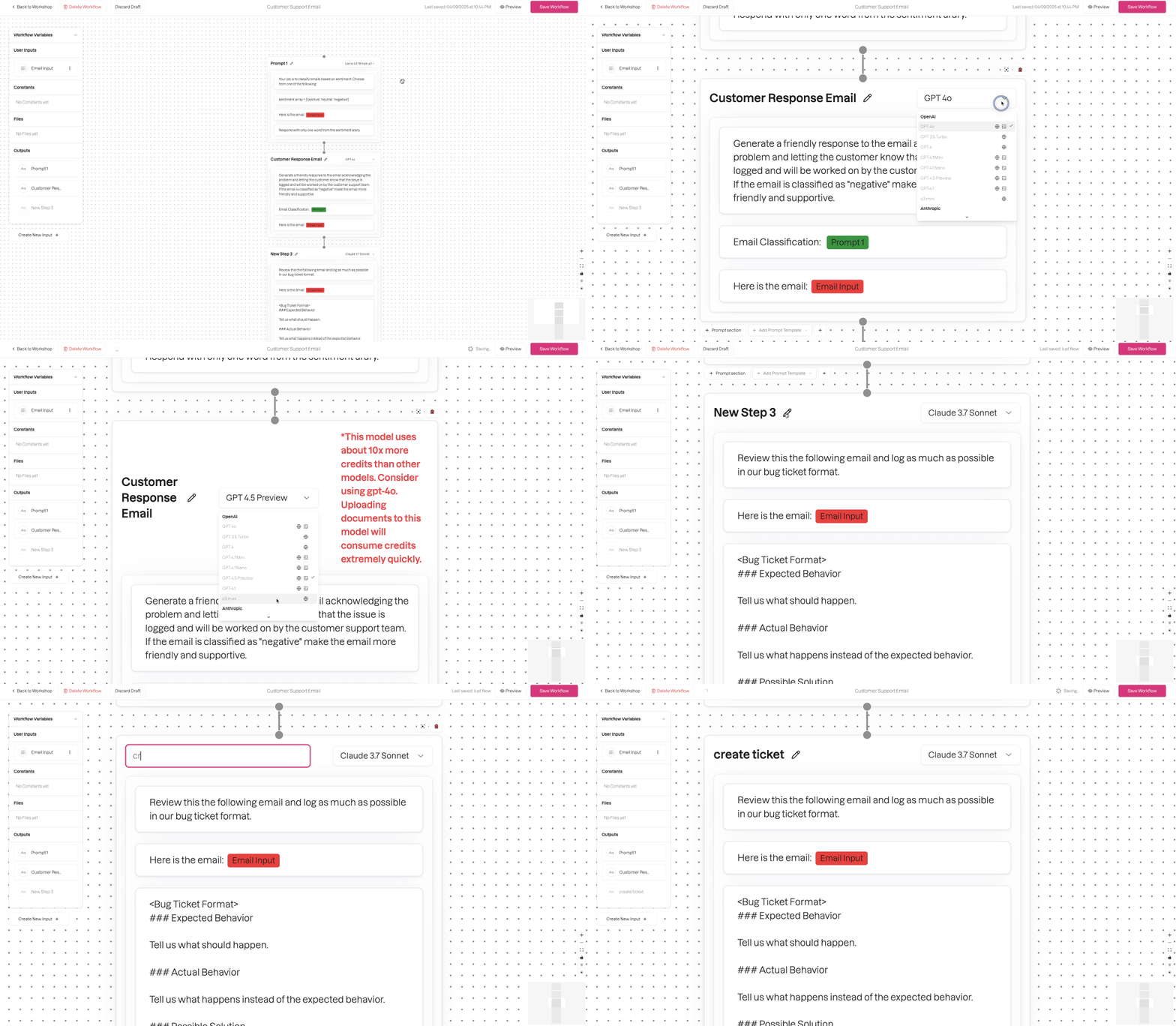
Complex workflows, made simple: Create automations step by step—from defining the trigger to processing the data to the desired action. Every step is traceable, testable, and customizable. This lets you reliably automate recurring processes without writing a single line of code—and flexibly adjust everything at any time.
Subagents:
Subagents are specialized AI assistants designed for clearly defined tasks in your chat conversations. If a task requires specialized knowledge—such as web research—a subagent optimized for that task is automatically called upon to handle it. The results are seamlessly integrated into your conversation.

Optimized Chat Experience:
The redesigned chat experience makes messages clearer than ever before: tool calls and their results now appear in compact, collapsible blocks. This way, you can keep track of everything at all times—even in long conversations—and see at a glance what the AI has done for you.

Share chats:
Share any chat with your team with a single click. When you share, a read-only snapshot of the conversation is created—including all messages, model information, and tools used—and the link is copied directly to your clipboard. This makes it easy to share knowledge without having to manage access permissions.
New Model Selector:
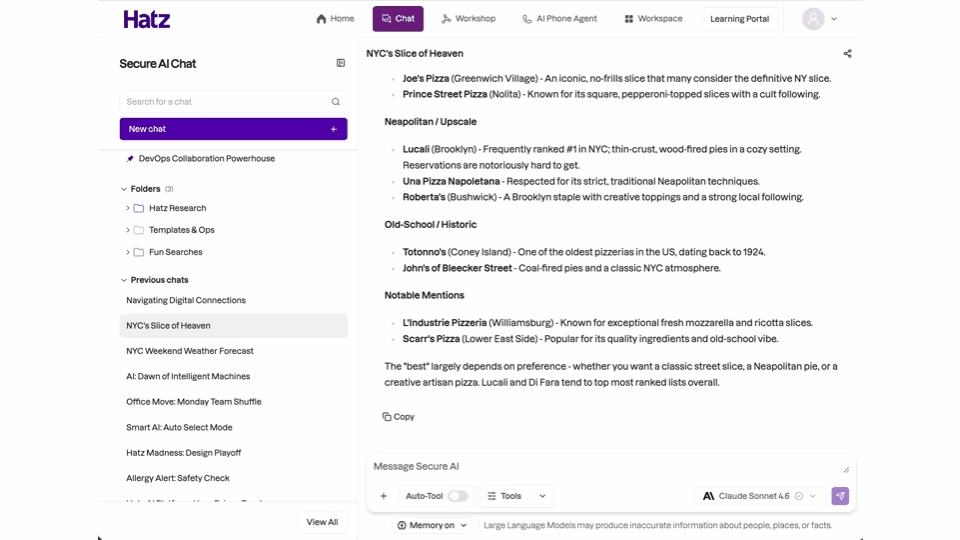
The new Model Selector makes it easy to find the right AI model for your task. Whether you need quick answers, complex analyses, or image generation—you can easily filter by provider and specialty and get started right away with the best model.

Image Generation in Workflows:
Workflow steps that call a model for image generation now display the generated images directly within the product—with a dedicated gallery, full-screen preview, navigation through multiple images, and download and “Open in a new tab” functions. This allows you to review generated images right where they’re created, without any detours.

Speech-to-text:
The chat interface now supports speech-to-text, so you can dictate your messages hands-free without touching the keyboard. Just speak your message—and watch as it appears in the chat in real time.

Audio Uploads:
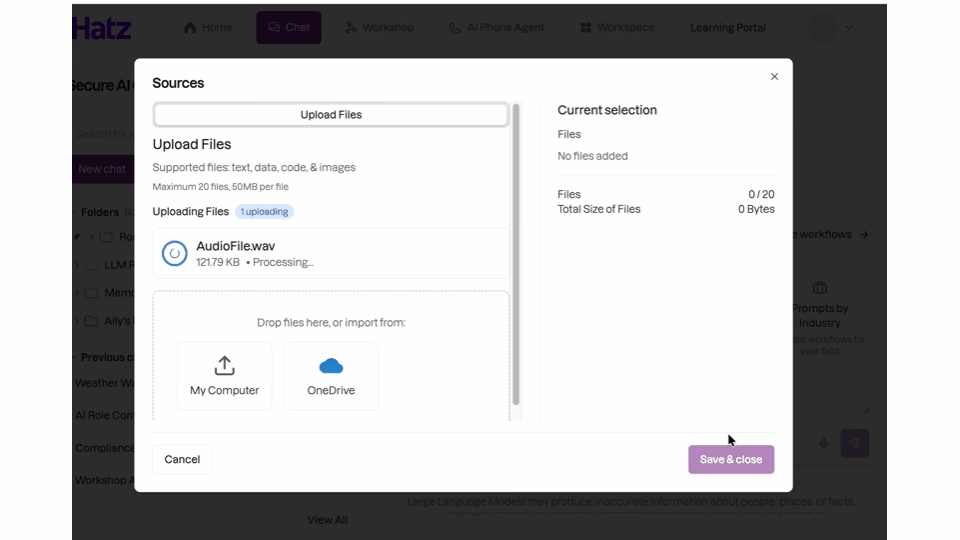
Weihrich AI now supports the upload of audio files. This allows you to effortlessly integrate meeting recordings, voice memos, and interviews into your workflows. Supported formats include mp3, mp4, m4a, wav, webm, ogg, flac, and aac. Uploaded audio files are automatically transcribed and processed just like any other file.
Enhanced Microsoft 365 integration:
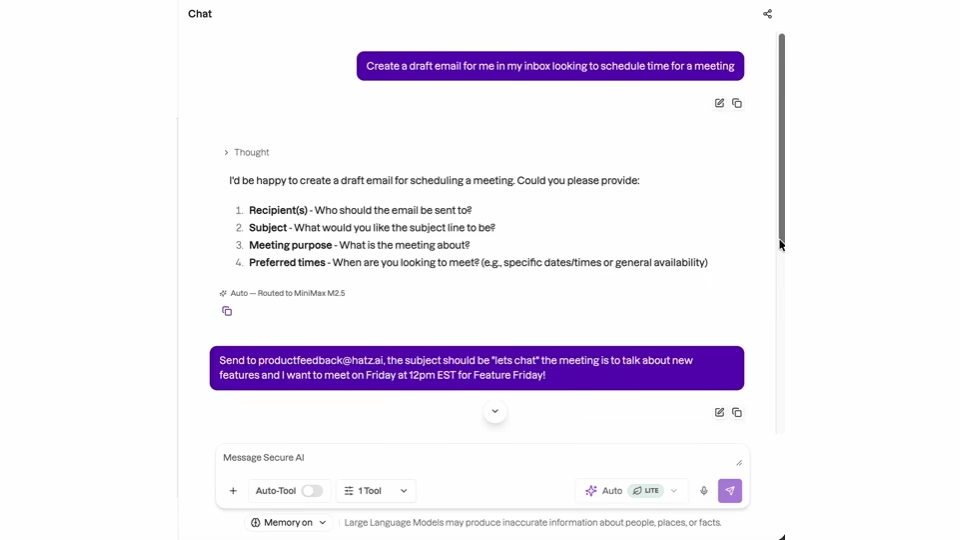
The Microsoft 365 integration is now active—not just for reading. Compose and reply to emails, including attachments. Organize your inbox: move, flag, and forward emails. Use the scheduling assistant to find available times for all participants, create meetings with Teams links and recurring appointments, edit and reschedule appointments, and respond to invitations. In Teams, post messages in chats and channels, manage channels, search for people in your organization, and set up your presence. In OneDrive, create folders and move or copy files.
Send attachments separately:
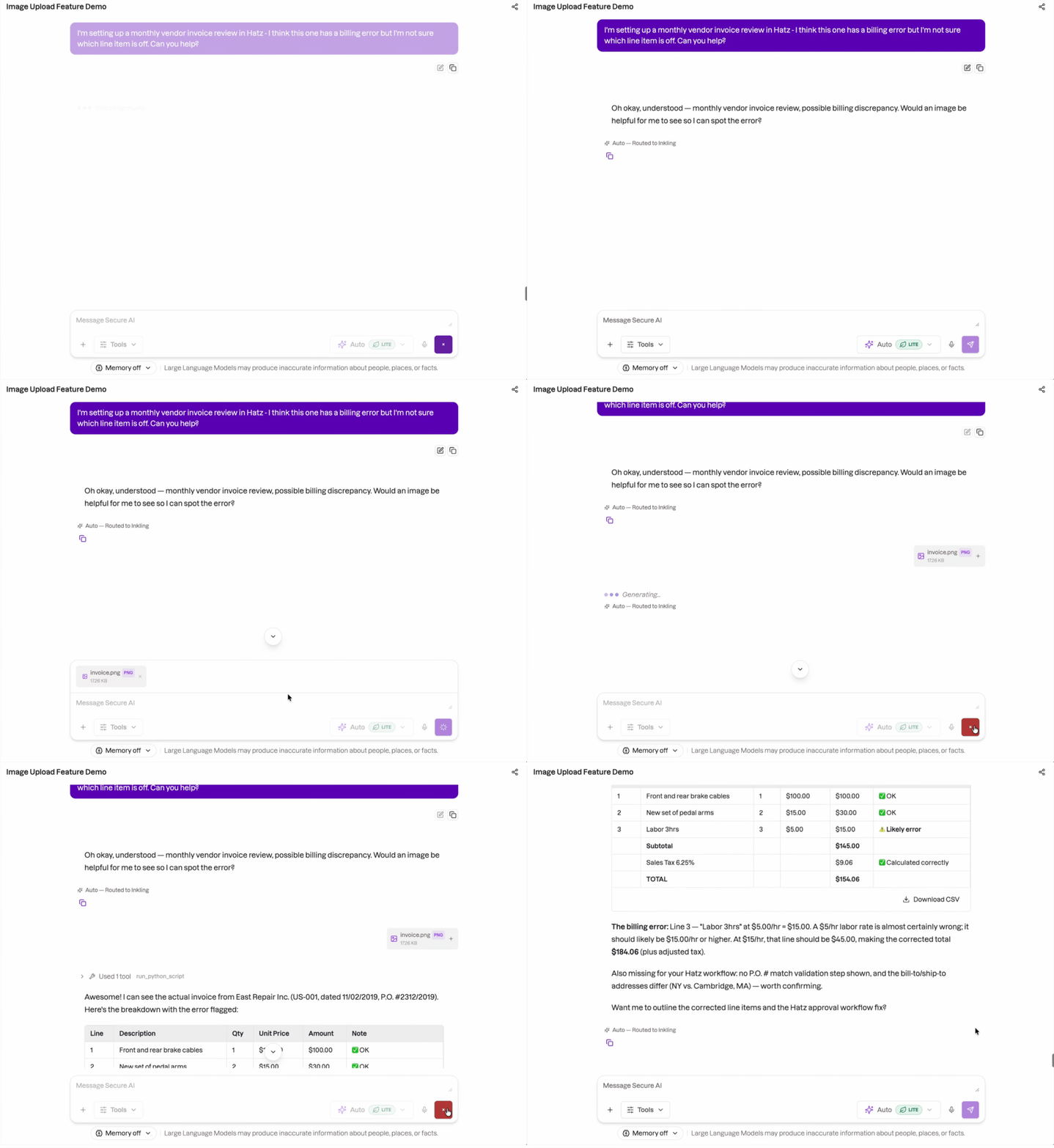
Attach a file and send it without any accompanying text. The conversation will respond to your request based on the file and the entire conversation history so far—quickly, easily, and without any unnecessary steps.
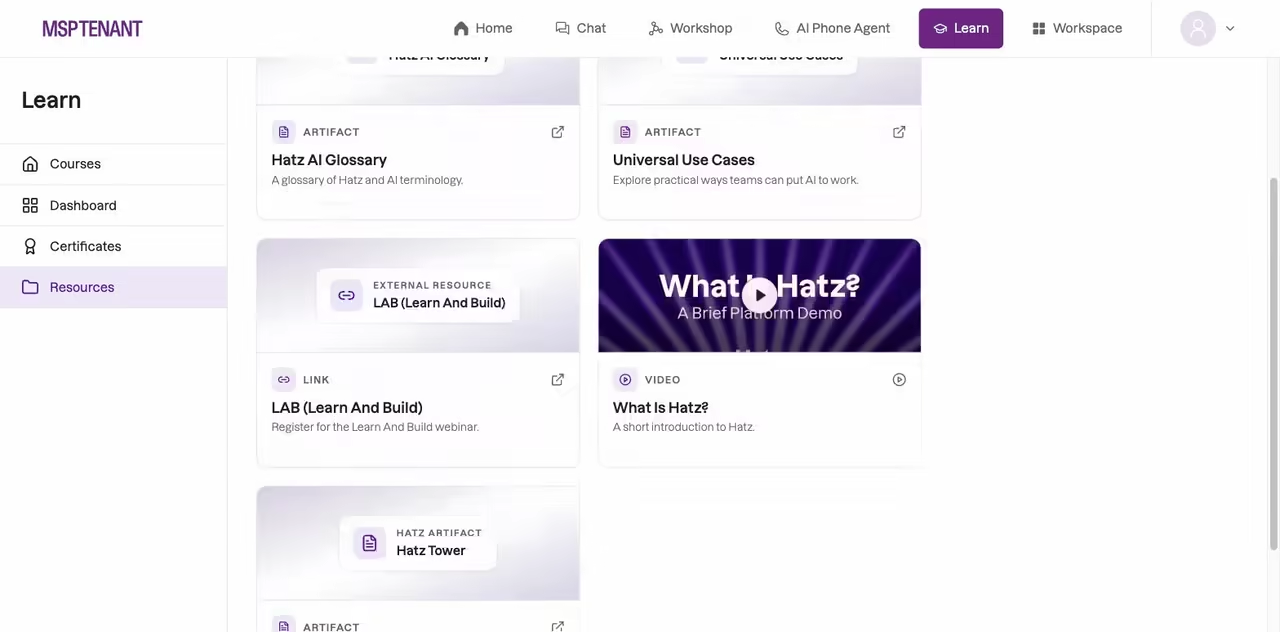
Resources for Hatz Learn:
Hatz Learn features a “Resources” tab with its own guides, walkthroughs, and videos for every audience. Everything opens right there on the page: videos play on the page, and reference material opens as a Hatz artifact.